Find your sound.
Explore curated noise profiles, adjust volume and frequency, and return to your last settings when you open the app.

A quieter everyday
Your quiet. In hand. On wrist.
White noise for focus, a calmer commute, and winding down. Find your sound on iPhone or use SoundNC independently on Apple Watch.

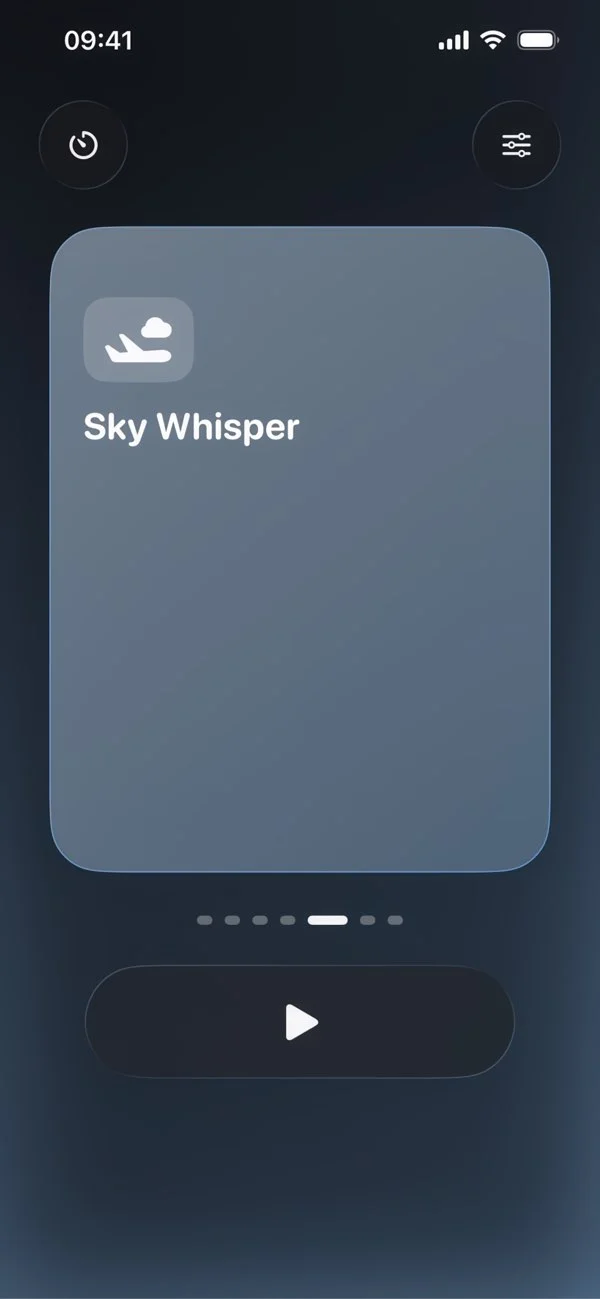
Explore curated noise profiles, adjust volume and frequency, and return to your last settings when you open the app.
Set an auto-off timer for a focused session or your bedtime routine. Playback stops when the time is up.
Keep SoundNC close on iPhone, or use it independently on Apple Watch without carrying or unlocking your phone.
Made with intention
A commute, an afternoon of work, a page you want to finish. SoundNC is built around a simple idea: a steady layer of sound can help the world feel a little less distracting.
Choose from curated noise profiles, shape the sound to your preference, and set a timer when you want a natural stopping point. Whether it is on your phone or your wrist, your quiet space stays close.
A closer look
Choose a sound, make it your own, and settle in. A clean Liquid Glass interface keeps the essentials within reach.
A sound card and a play button. Browse curated profiles in an interface designed to stay out of your way.
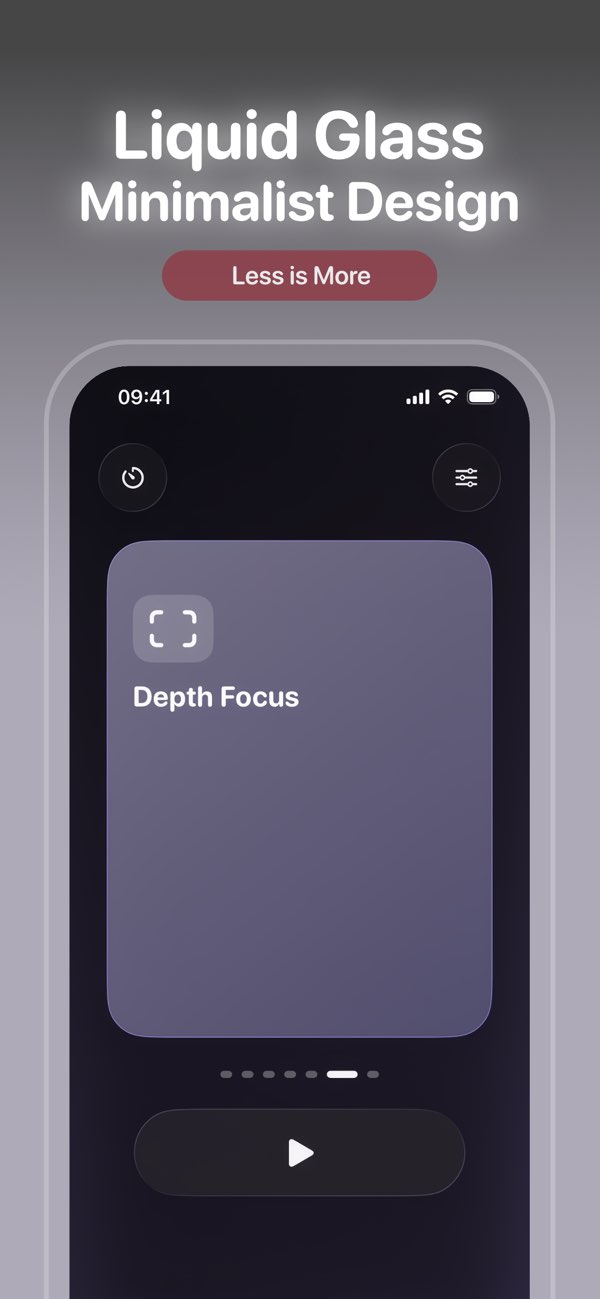
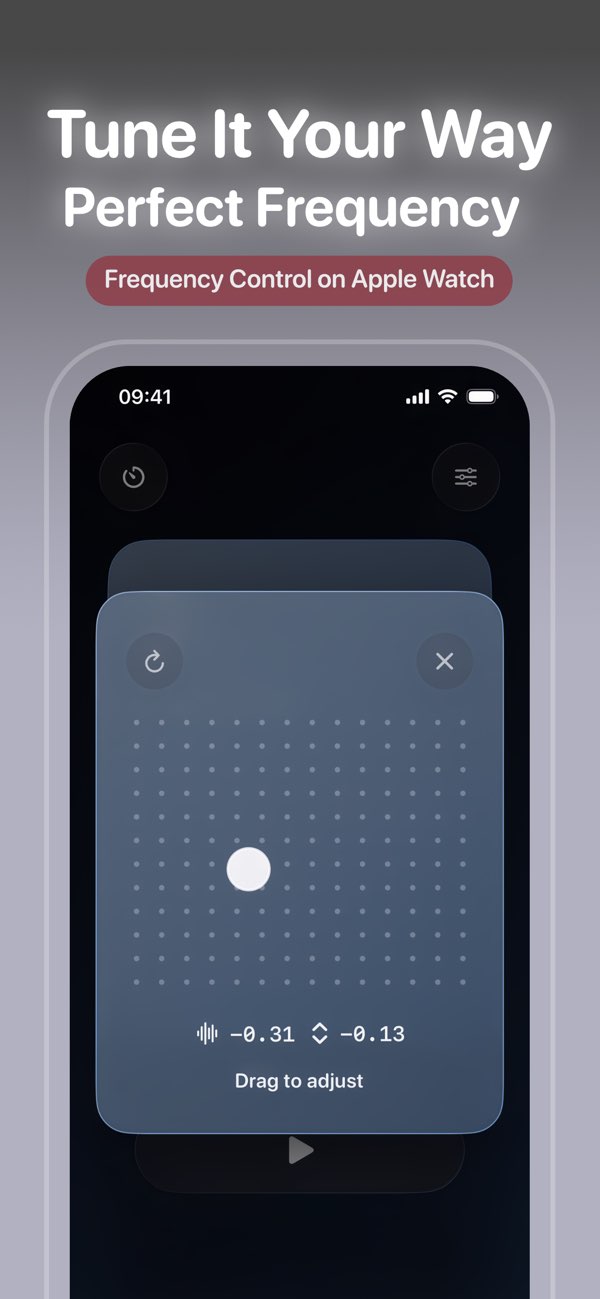
Adjust volume and frequency to find a comfortable balance for work, study, or your journey home. SoundNC remembers your last settings.
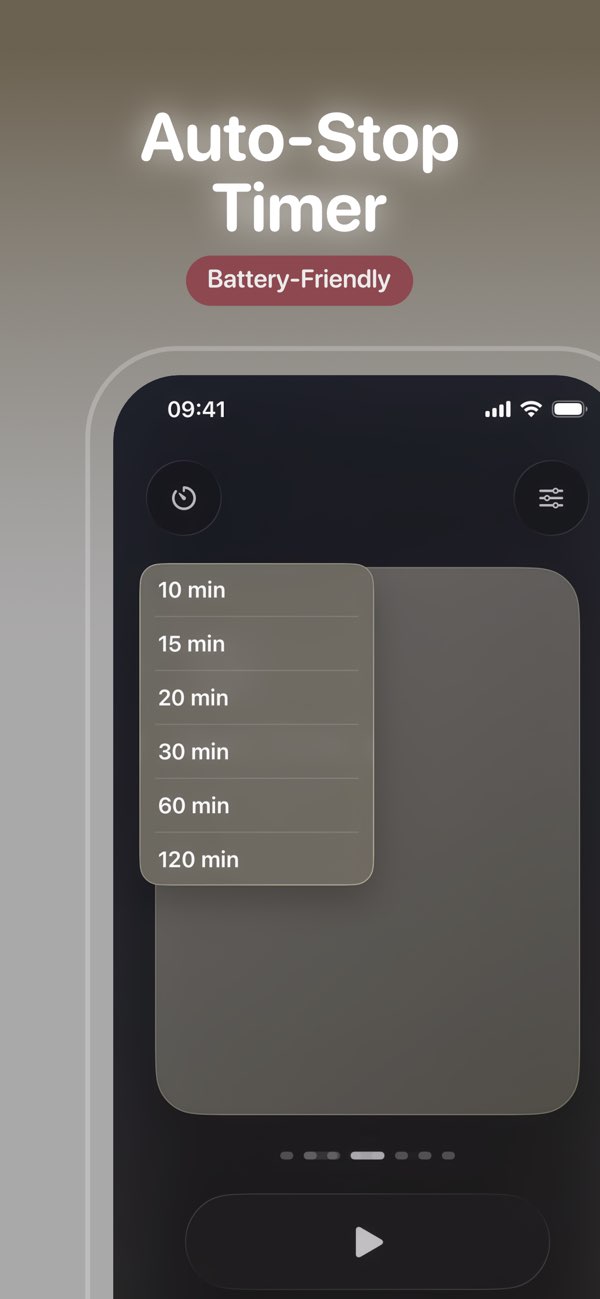
From a short pause to a longer focus session, choose an automatic stop time. One less thing to think about before sleep.
iPhone + Apple Watch
SoundNC runs independently on Apple Watch. Leave your phone in your pocket—or leave it behind—and bring your sound with you. On iPhone, the same idea fits naturally at your desk, by your bed, or on the move.
A short look at the real app, from choosing a noise profile to adjusting your sound.
This demo includes audio and shows browsing sound profiles, starting playback, adjusting the sound, and using the stop timer. These controls let you tailor a session without leaving the main experience.
SoundNC / EQ
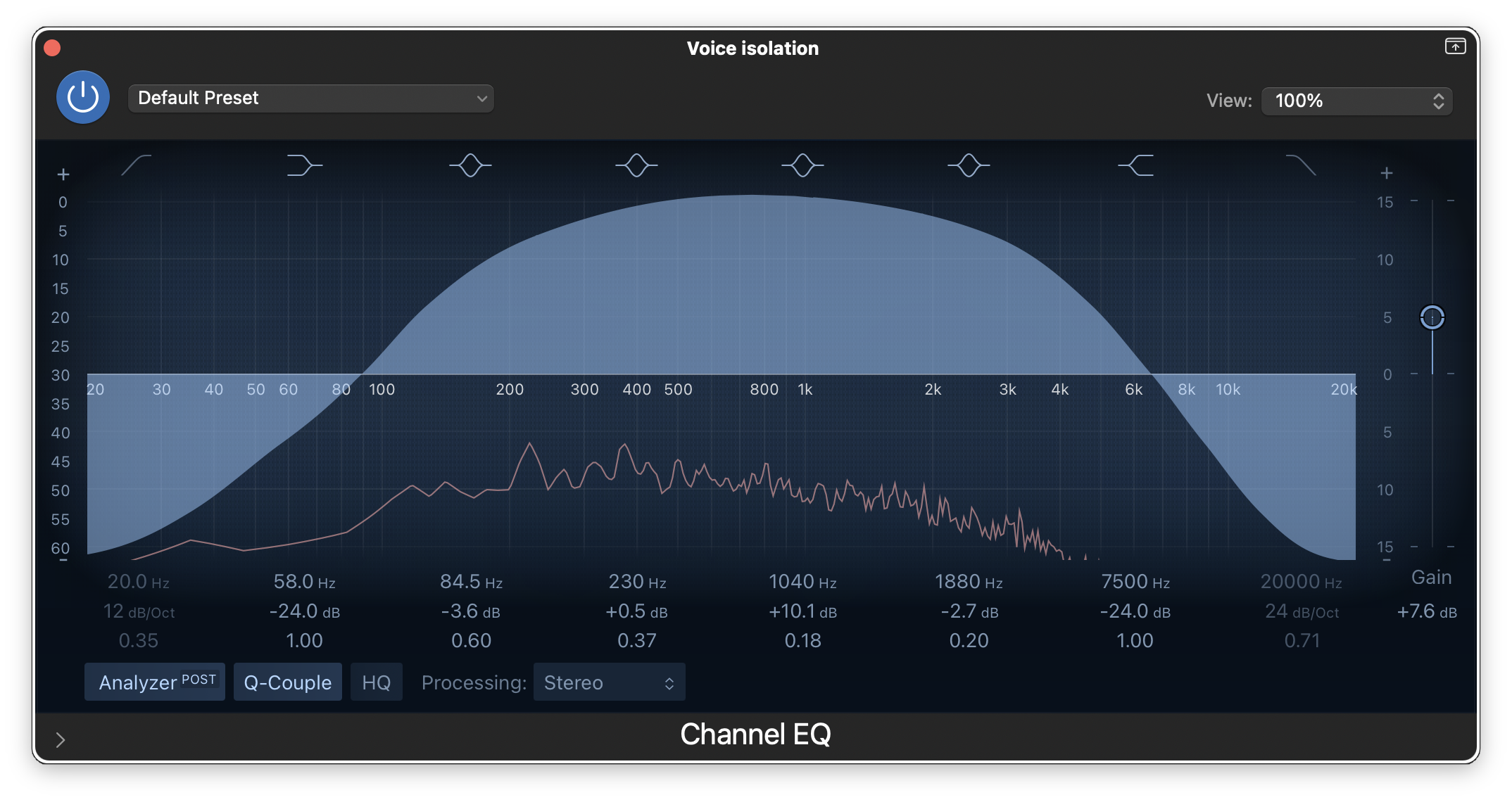
SoundNC starts with carefully selected noise frequencies. Shaping the frequency balance is part of the design process, with listening comfort in mind. In the app, you can keep adjusting until the sound feels right for you.
SoundNC plays noise to mask environmental sounds. It does not perform active noise cancellation itself. You can also use it with active noise-cancelling headphones to complement their noise reduction.
Yes. SoundNC supports standalone use on Apple Watch, so you do not need to carry or unlock your iPhone to use the watch app.
Yes. Set an auto-off timer for a focus session or winding down before bed. Playback stops automatically at the end of the selected time.
Yes. Your last settings are remembered so you can return to a familiar sound when you next open the app.
SoundNC / iPhone + Apple Watch
At your desk, on your commute, or at the end of the day. Find SoundNC on the App Store for iPhone and Apple Watch.